Employees
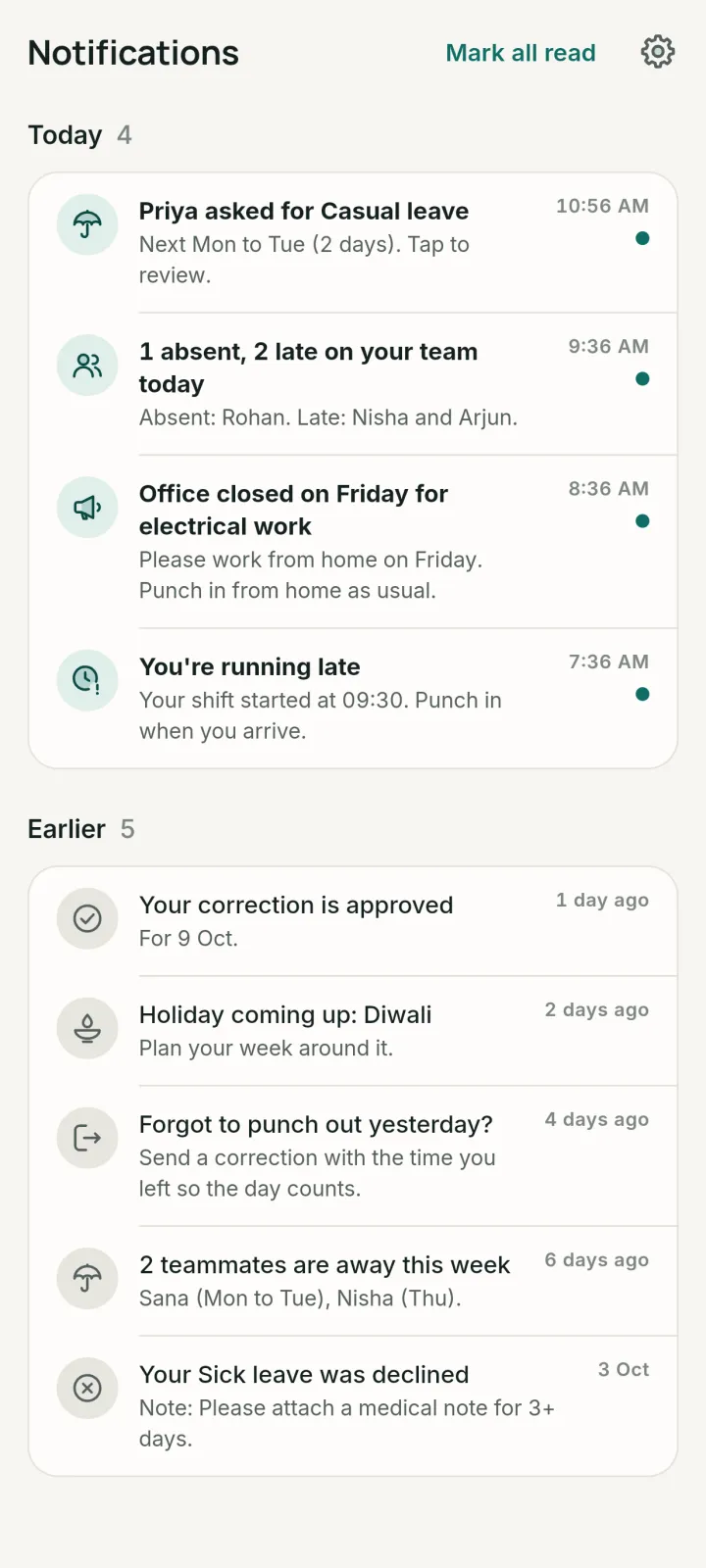
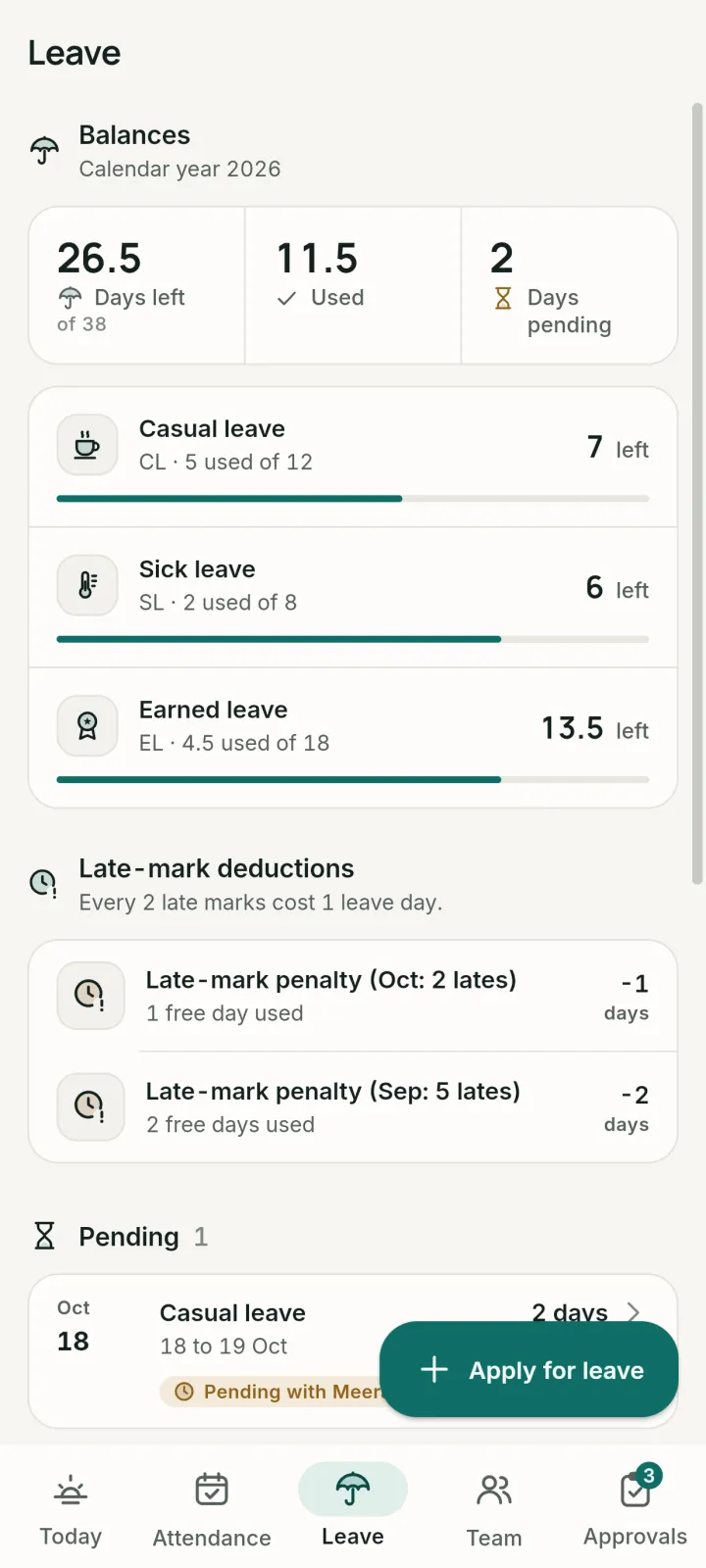
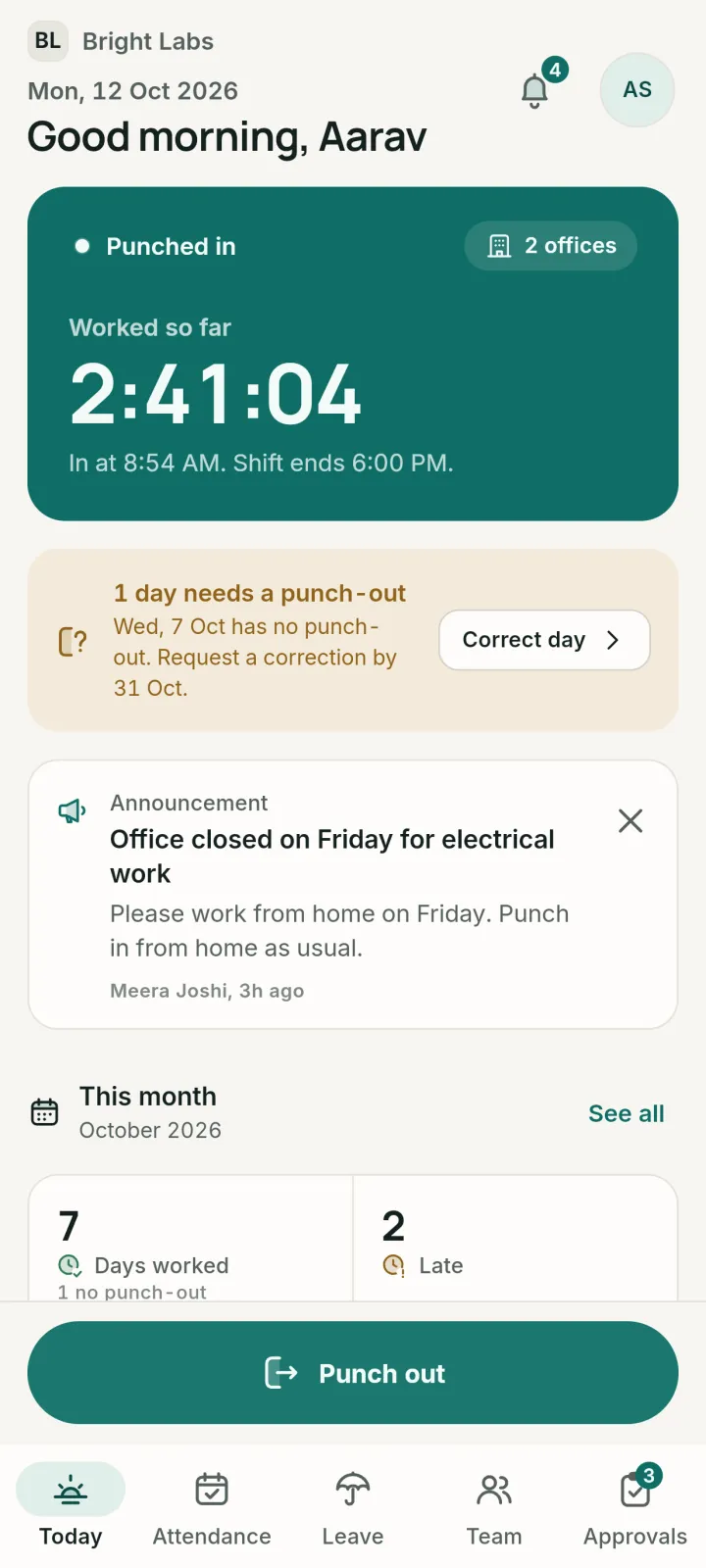
Punch in and out, apply for leave, fix a missed punch and see the month at a glance.
LeaveCorrectionsOvertimeTimesheetsPayslips
Geofenced punch in, leave, overtime and payslips for Indian teams. An app for every employee, a console for HR.
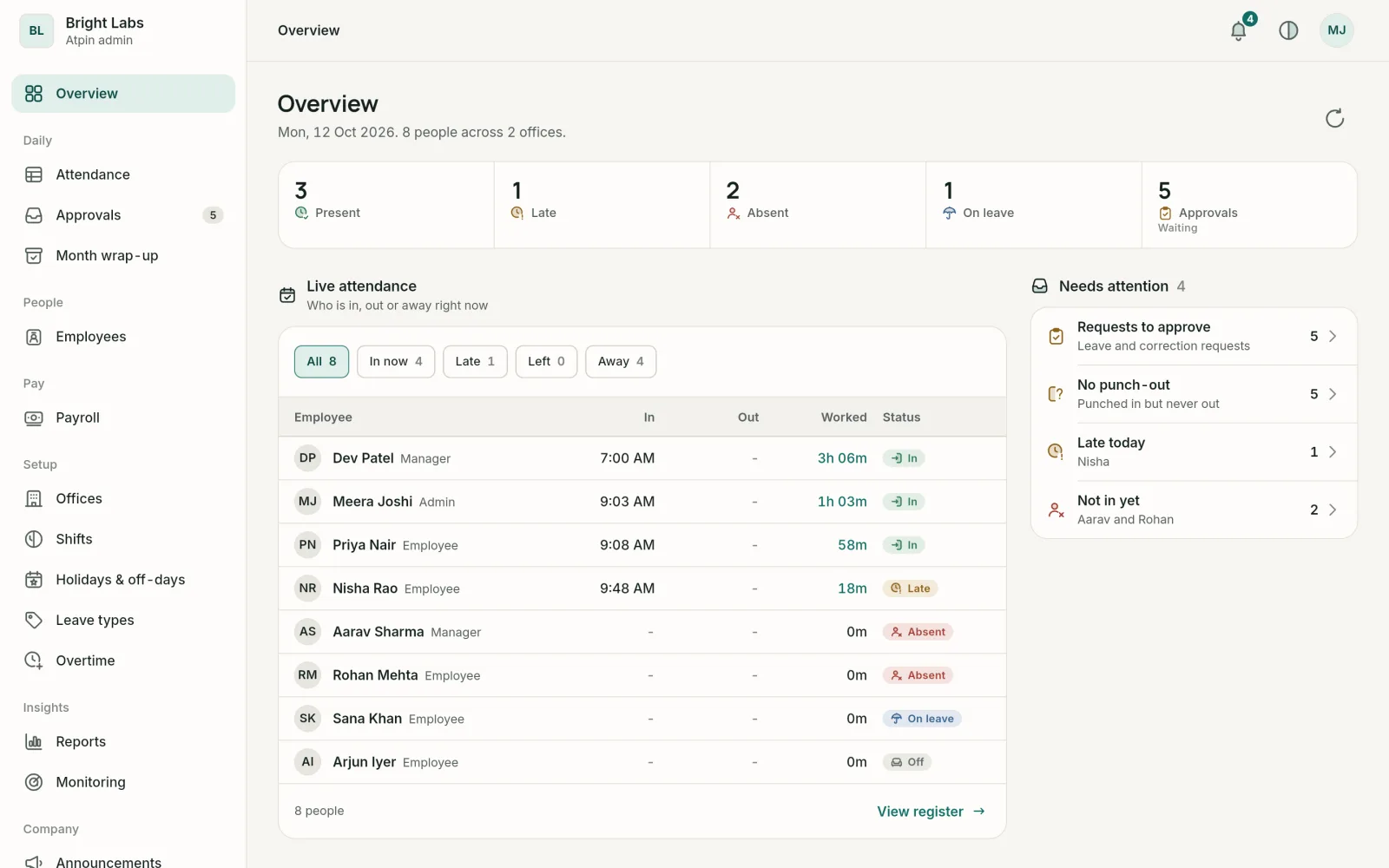
Add offices with a geofence radius, shifts, holidays, leave policy and people. Everyone signs in with Google.
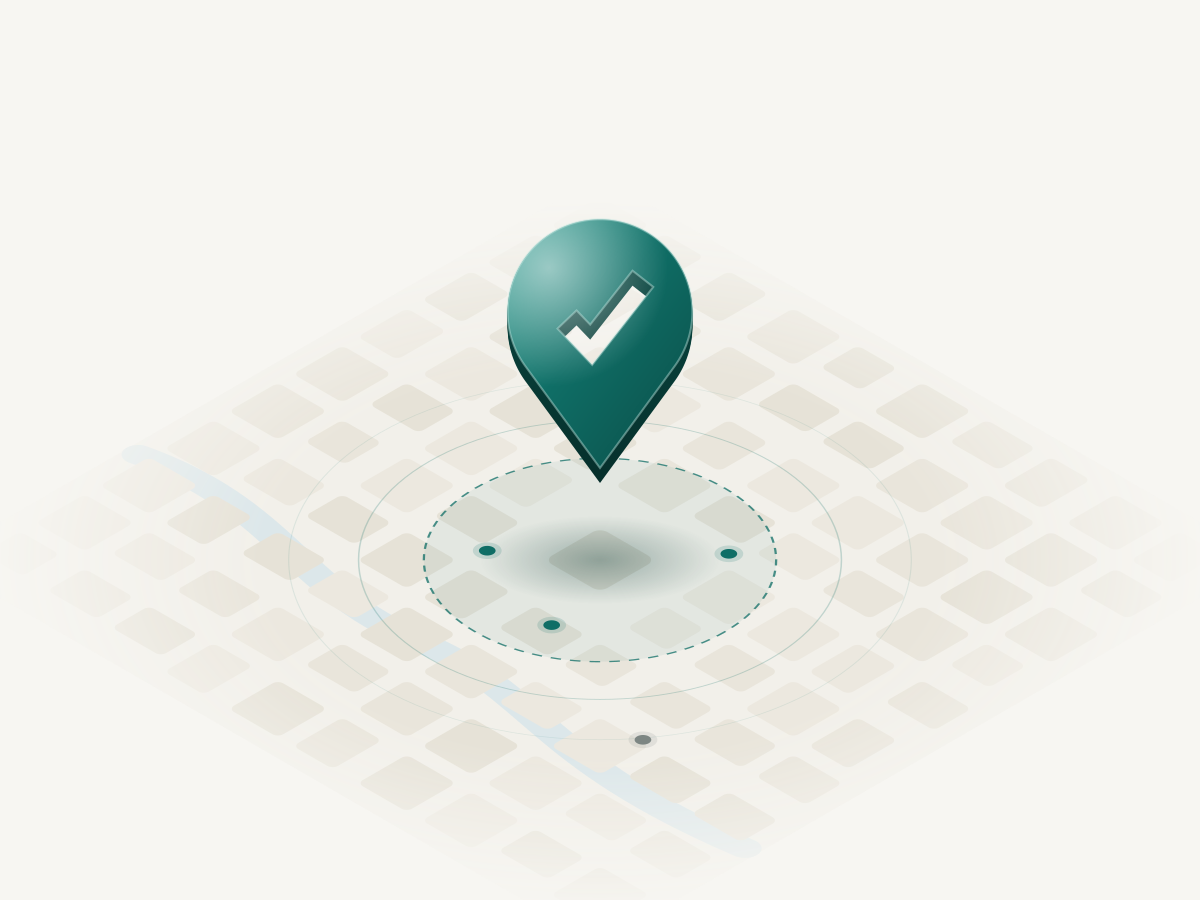
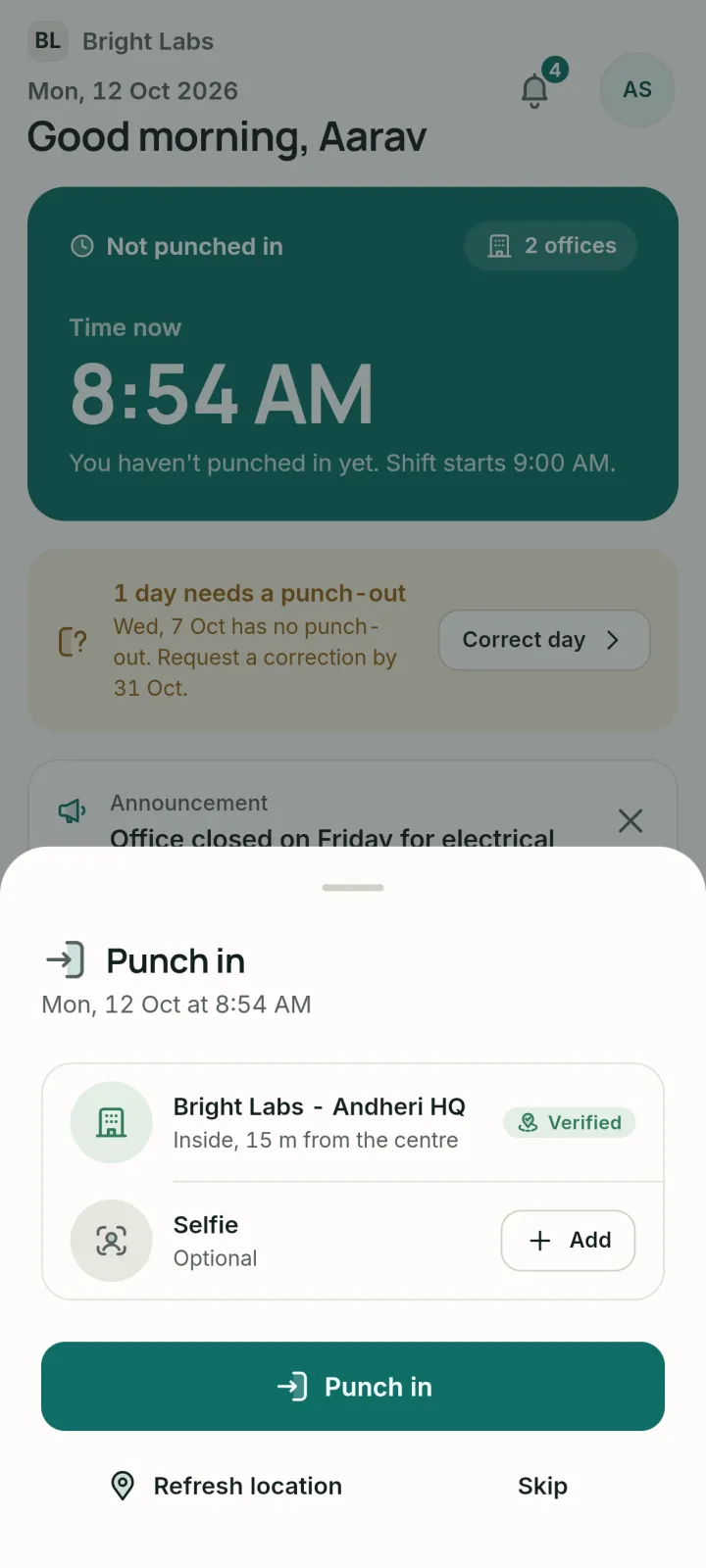
The app checks you are inside an assigned office. Add a selfie if your company asks for one.
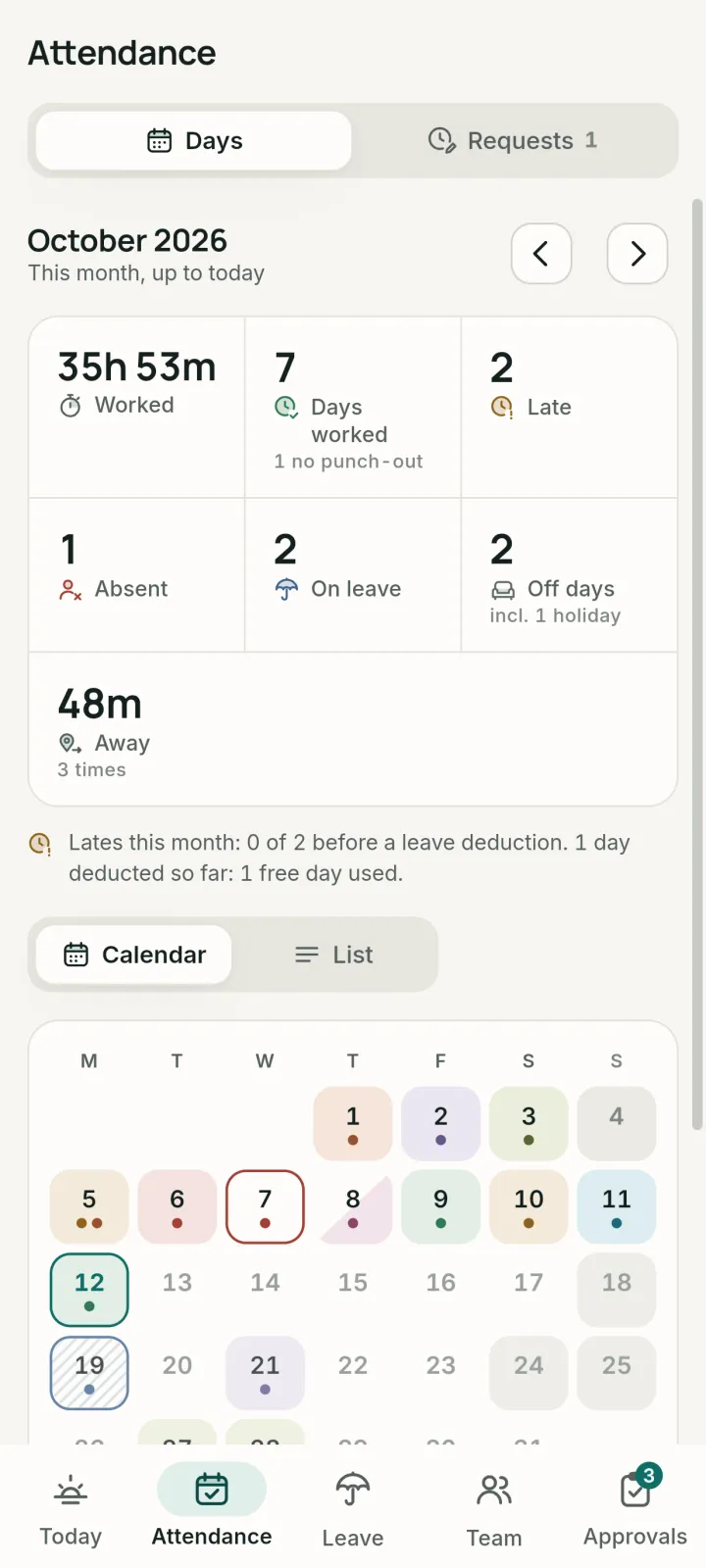
Leave, late marks, corrections and overtime roll into timesheets, payroll and payslips.
Punch in and out, apply for leave, fix a missed punch and see the month at a glance.
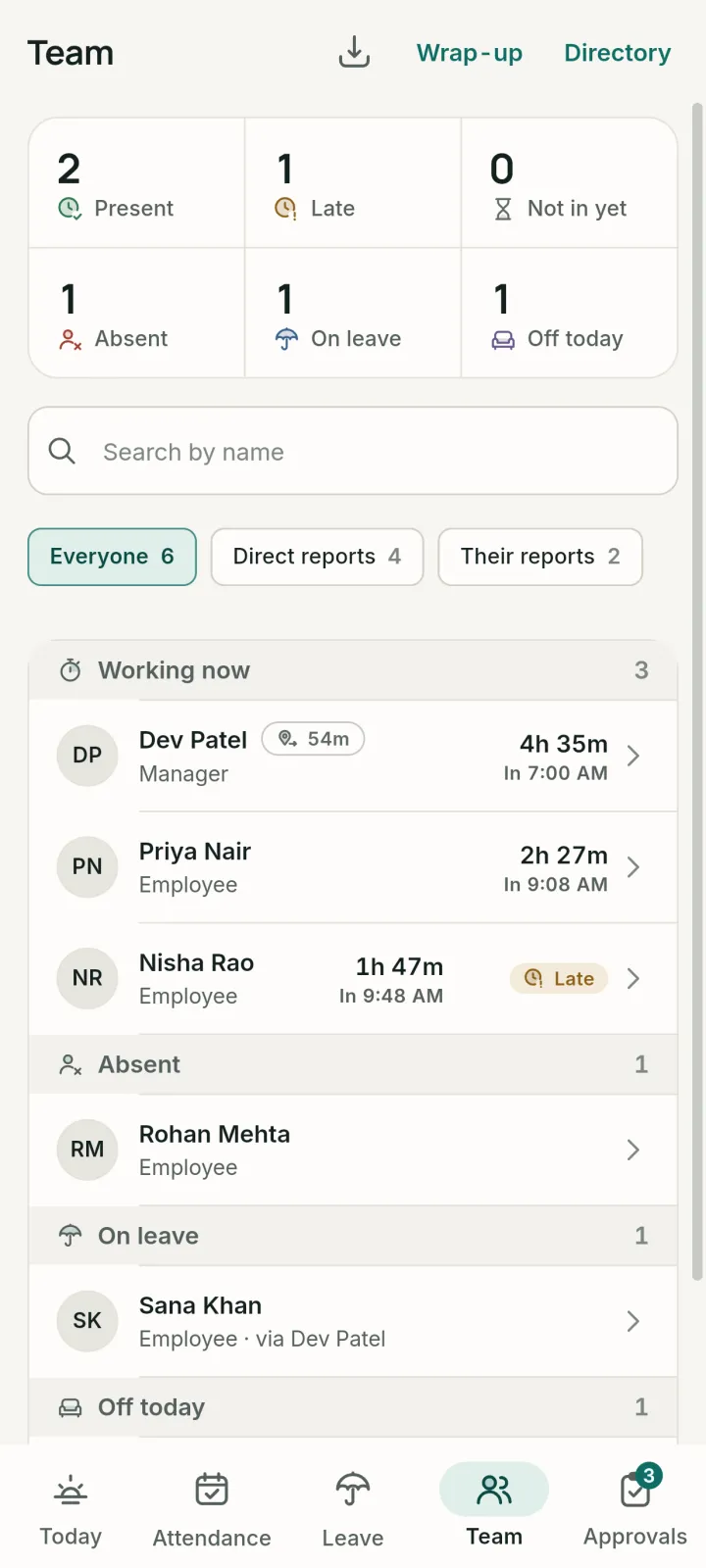
Your whole team, live: who is in, late, away or on leave. Approve requests from your phone.
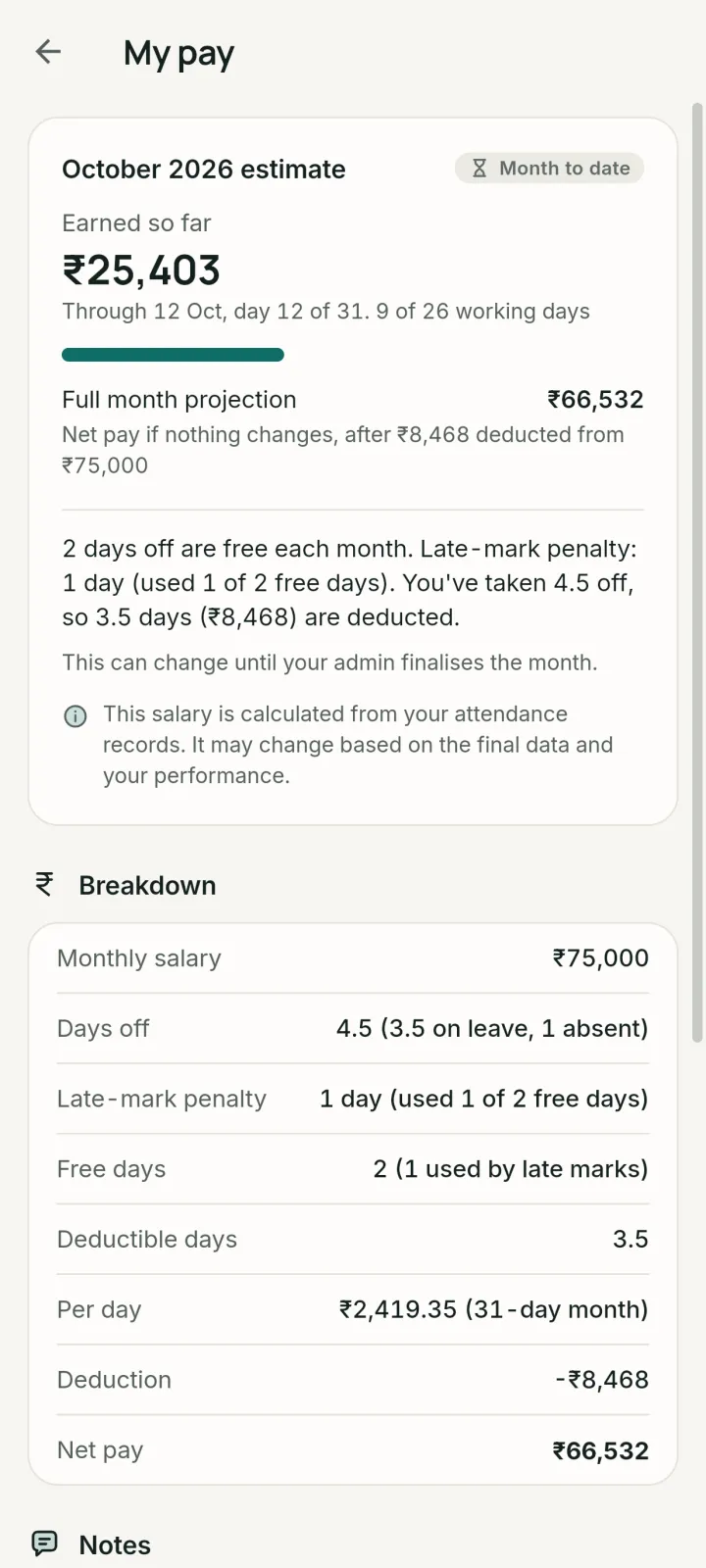
Earned so far, updated from attendance. Behind your fingerprint, face or PIN.
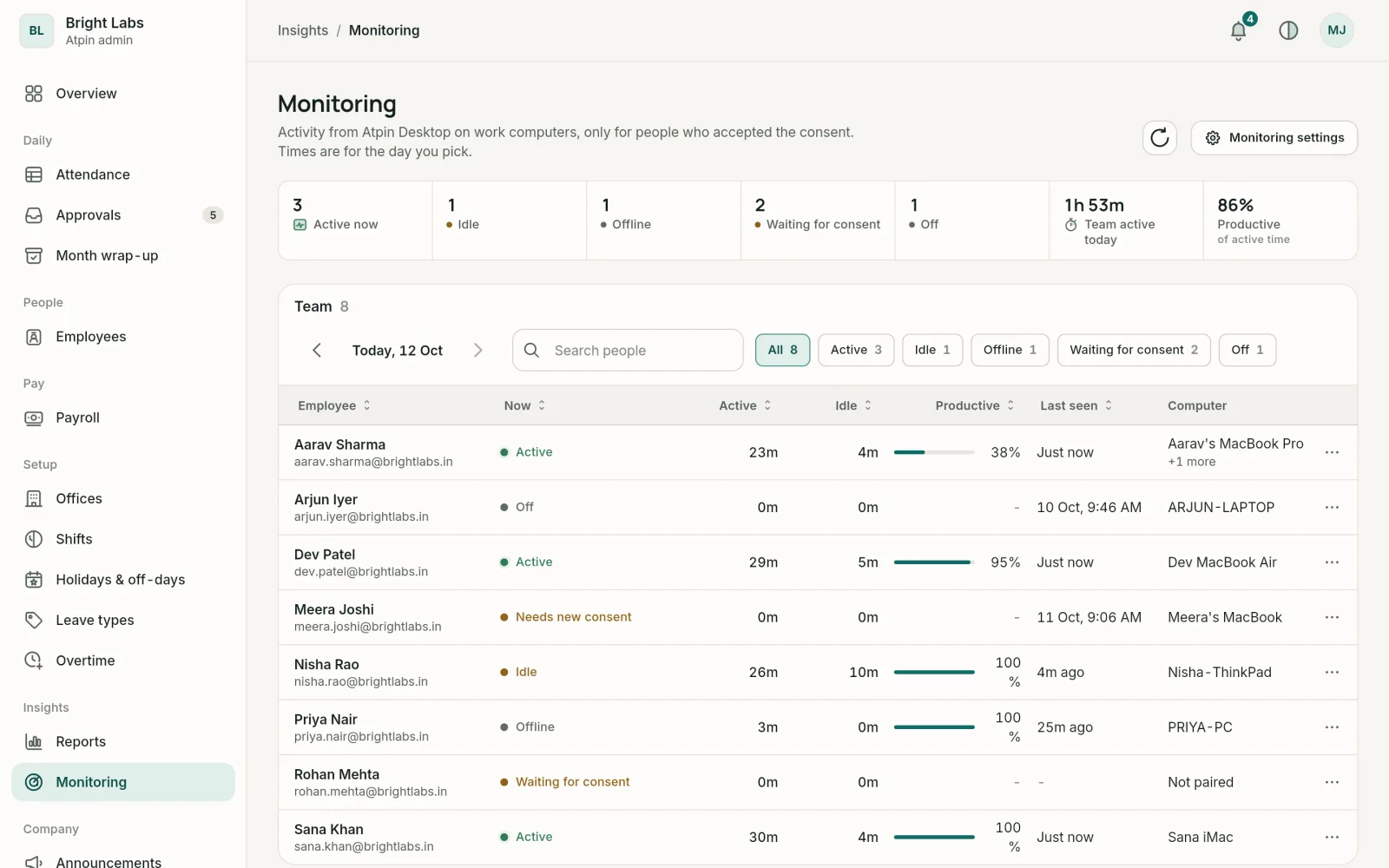
Offices and geofences, shifts, holidays, leave policy, payroll, Excel exports and GST invoices, in the web console.
One Google account, many workplaces. Switch in a tap, and each company only sees its own data.
Company holidays, pinned notices and who is away this week, right on the Today screen.
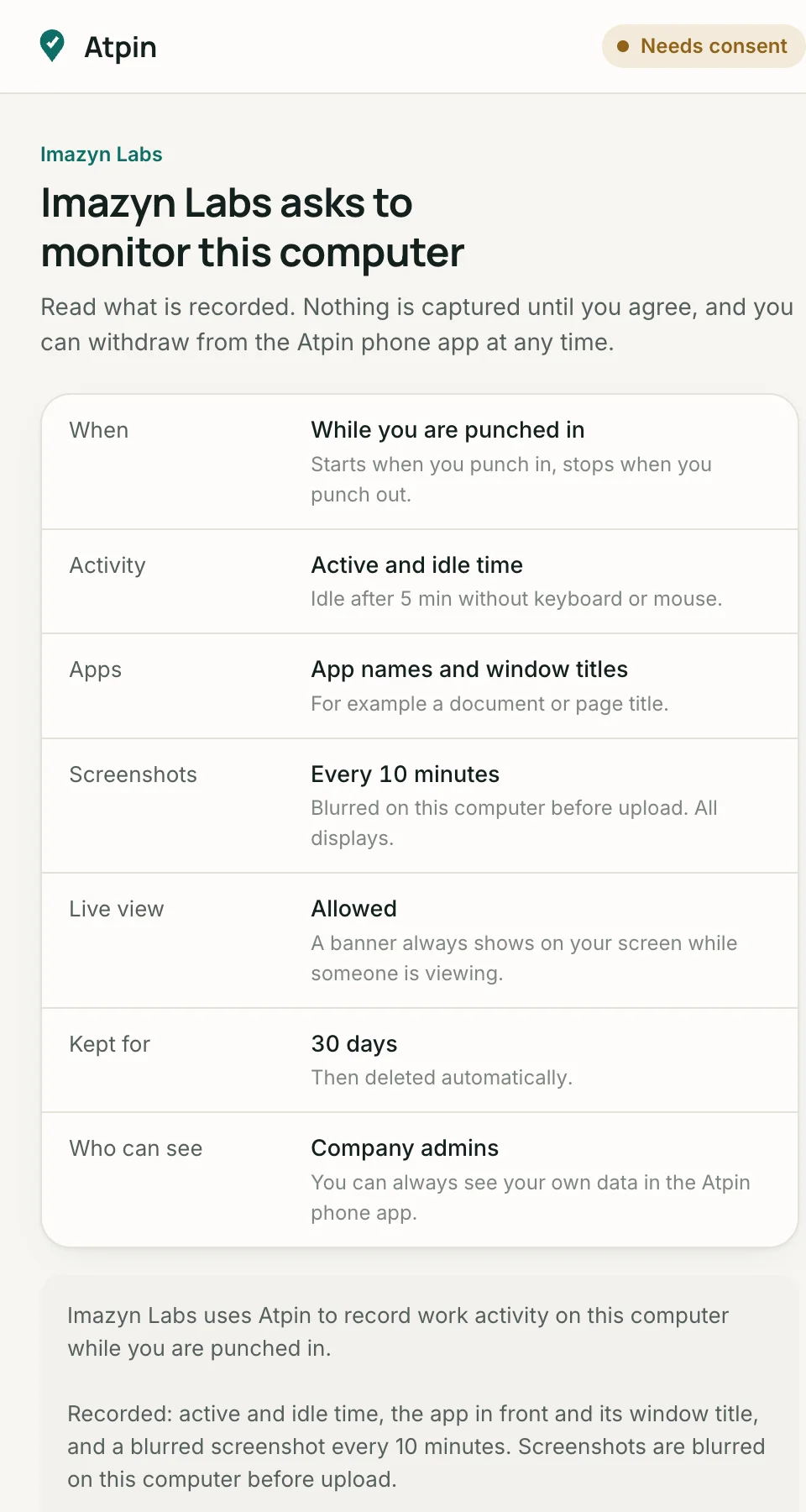

Atpin Desktop for Windows and Mac records work activity only after the employee reads the terms and agrees.
The screen lists the schedule, screenshot interval, retention and who can see.
A tray icon stays on while recording. It cannot be hidden.
A banner names the viewer on screen for as long as they watch.
If the company picks blurred screenshots, clear pixels never leave the computer.
Built around India’s Digital Personal Data Protection Act, 2023. Read the privacy policy.
Checked at punch in and out, and every 5 minutes while punched in if you agree. Never after punch out.
The full number is checked, then only the last 4 digits are kept.
Account numbers are encrypted at rest. Only the last 4 digits are shown.
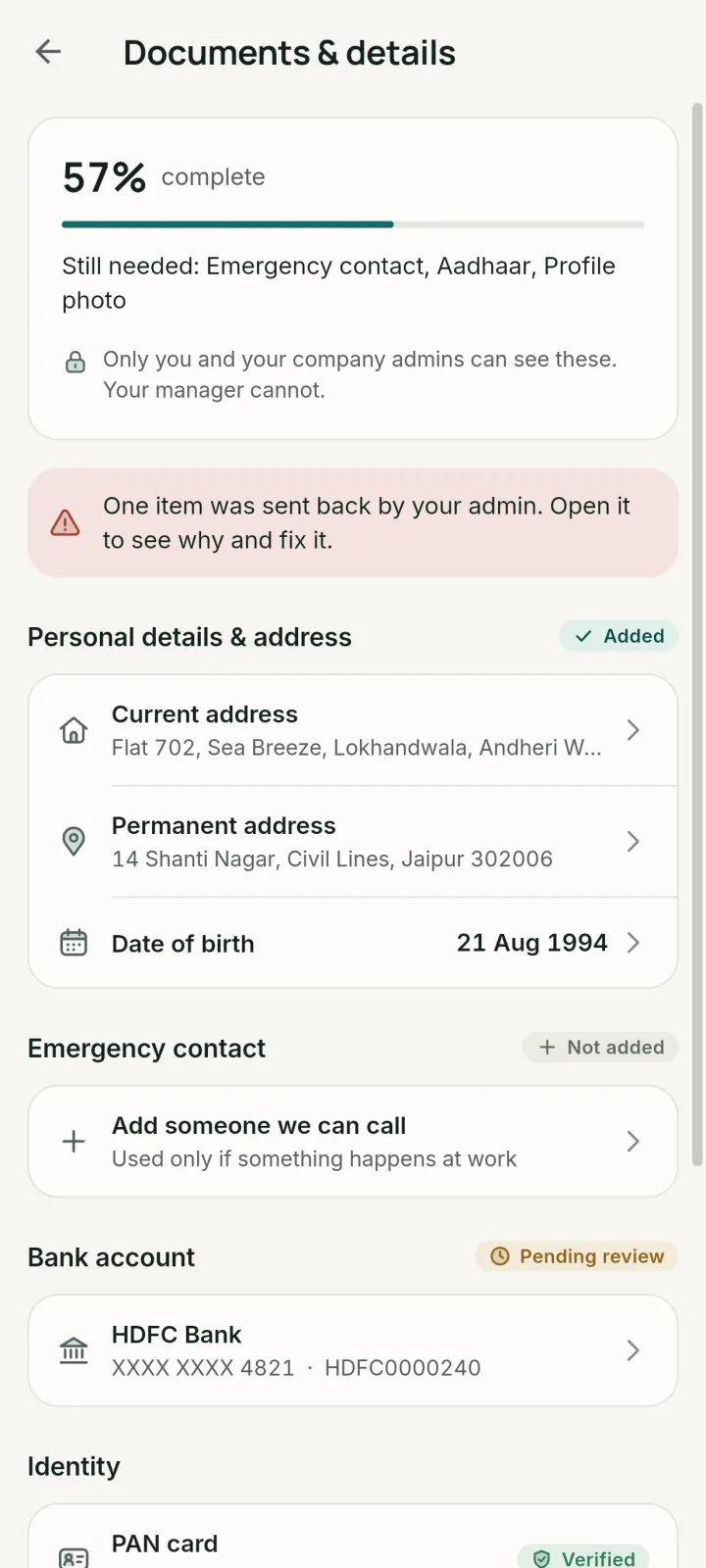
Salary, bank details and documents are for you and your admins only.
Every record carries its company. One workplace never sees another.
Company backups are encrypted, and sensitive views are written to an audit log.
Talk to us about a plan for your headcount. Every company starts on a trial, and every invoice is GST-ready.
More in Support.
With the Google account their company added. There is no separate password to create or forget. One Google account can belong to more than one company, and the app lets you switch between them.
No. Location is checked when you punch in or out. If your company uses time-away tracking and you agree to it, the app also checks every 5 minutes while you are punched in, and stops the moment you punch out.
Only if your company turns it on. By default the selfie is optional.
You and your company admins. Managers never see salary, bank details or identity documents. You can also lock My pay and Documents behind your phone lock or an Atpin PIN.
No. The Atpin Desktop app records nothing until you read exactly what it will capture and agree. A tray icon shows while it records, and a banner appears on your screen whenever someone opens live view. How monitoring works.
You keep read-only access to your own payslips, attendance and documents for 90 days after your last working day. Your former employer keeps its records as the law and its policies require. Deletion options.
Yes. Admins run offices, shifts, holidays, leave policy, payroll, reports and billing from the admin console in any browser.
Sign in with the Google account your company added.